
Desktop GPT
DesktopGPT can generate text, code, and provide insights swiftly and efficiently. Whether you're drafting documents, coding, working on digital marketing, or pursuing academic research, DesktopGPT is always within your reach.

What is DesktopGPT?
DesktopGPT is the desktop version of ChatGPT. It extends the capabilities of ChatGPT to your desktop, allowing you to use AI-powered tools within any application or website.
Key Features:
Universal Compatibility: Works seamlessly across all websites and applications, including Gmail, WordPress, Wikipedia, and social media platforms like X (formerly Twitter), Instagram, and LinkedIn.
Enhanced Productivity: Capable of generating text, code, and providing insights swiftly to assist in a wide range of tasks such as document drafting, coding, digital marketing, and academic research.
Multi-Platform Support: Compatible with various operating systems including Windows and macOS, ensuring a smooth experience across different devices.
Easy Activation: This can be activated within any application by running the program directly or using the Alt+A keyboard shortcut, allowing for effortless access whenever needed.
Multilingual Support: Offers support for over 200 languages, including but not limited to English, German, Italian, Chinese, French, and Japanese, catering to a global audience.
Specifications:
Compatibility: Windows, macOS
Activation: Direct program launch or Alt+A shortcut
Language Support: 200+ languages
Integration Capability: Full integration with websites and applications (e.g., Gmail, WordPress, Wikipedia, social media platforms)
Usage Scope: Text generation, coding assistance, digital marketing, academic research, and more
Installation and Setup:
Installation: Download and install the DesktopGPT application from the official website.
Setup: Follow the on-screen instructions to complete the setup process. Once installed, activate DesktopGPT within any application using the program directly or the designated keyboard shortcut.
User Experience:
Interface: User-friendly interface that integrates smoothly into your desktop environment.
Accessibility: Quick access to AI-powered tools within any application or website for enhanced productivity.
See Also

Dux-soup
Dux-Soup is an AI tool for LinkedIn lead generation campaigns. It automates engagement with targeted prospects on LinkedIn and allows...

Darrow AI
Darrow is an AI-powered justice intelligence platform for lawyers to discover high-value, merit-worthy cases. It offers case matching and insights,...

Befunky
BeFunky Photo Editor lets you apply photo effects, edit photos and create photo collages with collage maker. Online Photo editing...
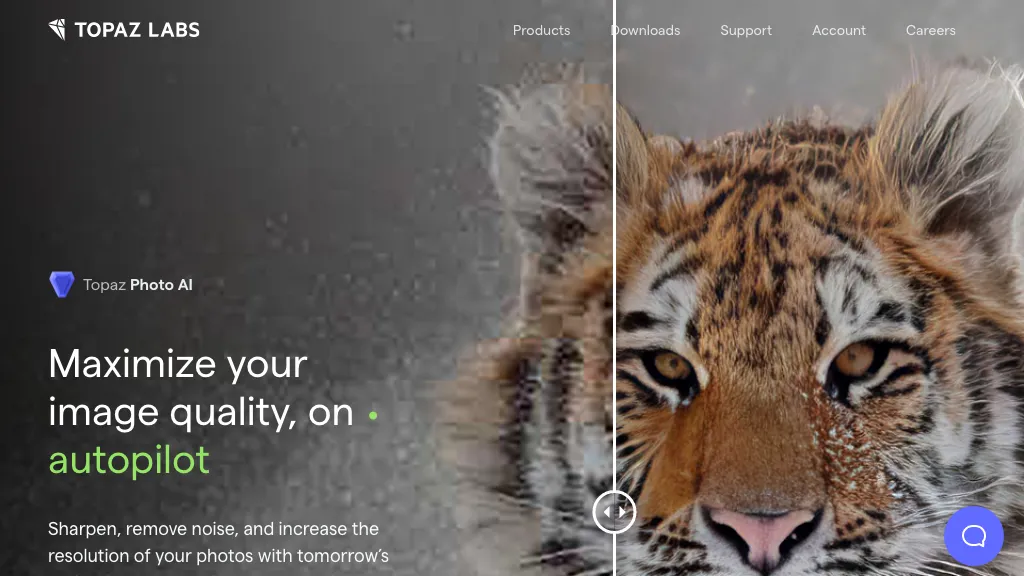
Topaz Photo AI
Get the best version of your photo with noise reduction, sharpening, upscaling, and face recovery powered by deep learning.
WordHero
WordHero is an AI-powered tool that helps users create original blog posts, social media content, emails, and more in seconds....
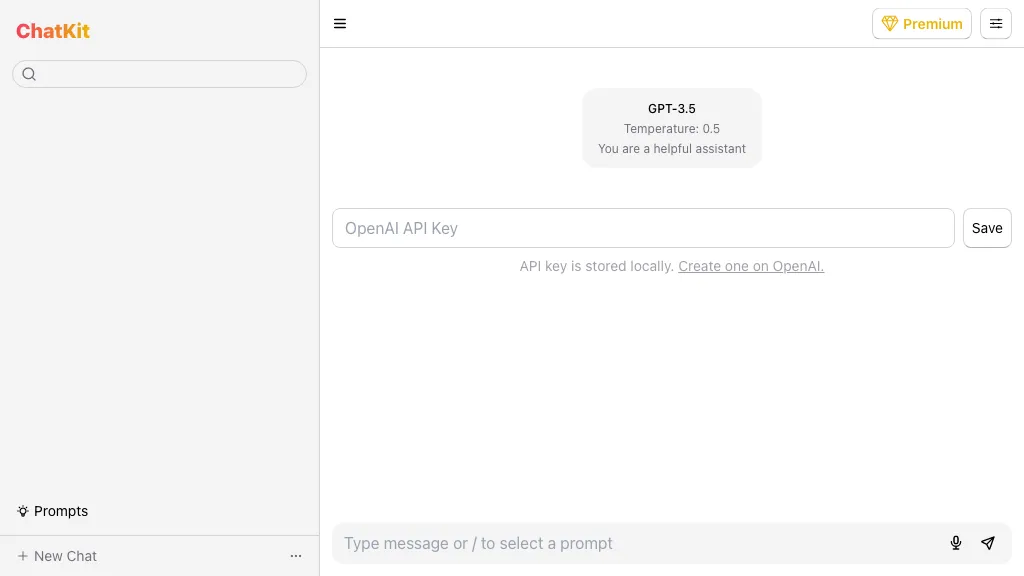
ChatKit
Refined ChatGPT UI with useful features